Play ↗
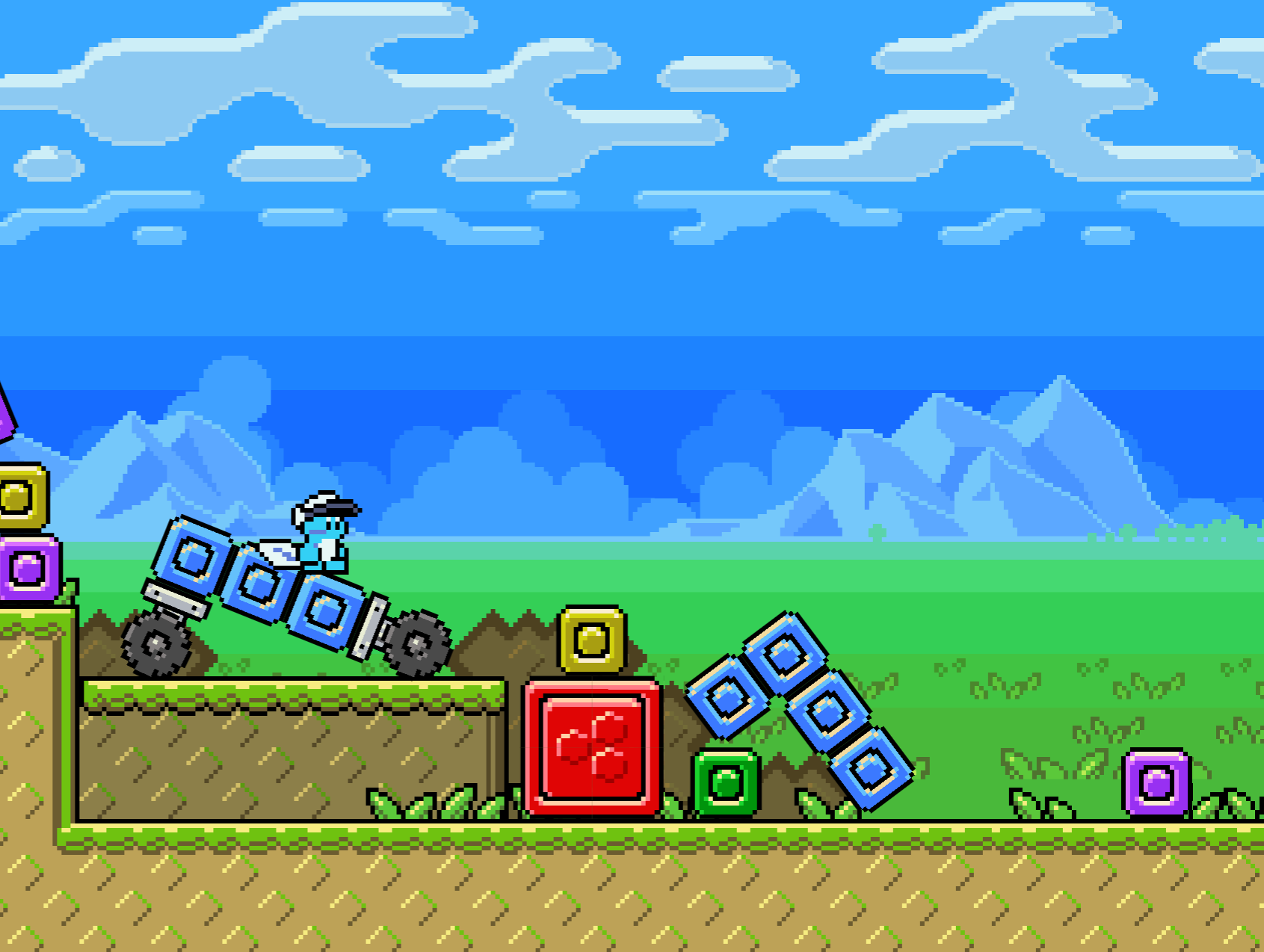
Worlds 2D
TODO.
Controls
- Move: WASD / ↑←↓→ / drag on the bottom-left circle on touch screen
- Place Block: Left Click
- Multi-Place: Left Click + drag
- Select Block Type: Scroll / Right Click / 1...0 / drag on hotbar at bottom of screen
- Destroy Block: select hammer from hotbar, then Left Click block
- Grab Object: Left Click + hold
- Rotate Grabbed Object: QE
- Freeze/Unfreeze Grabbed Object: F
- Zoom: -= / press buttons at bottom-right on touch screen
- Fullscreen: Enter
Extra Controls
These are mostly for debugging.
- Show Collision Shapes: V
- Toggle Gravity: G
- Change New Block Size: []
- Change Lighting Angle: Shift + [] (Only affects some blocks. Most blue blocks work.)
- Change UI Scale: Shift + -=
- See Off-Screen: Alt + Shift + -=
- Show Touch Controls: `
- Change Character: P (The other characters aren't special and they're missing most of their animations.)
- Change Time Scale: Shift + ,. (Not very stable.)
- Change Simulation Rate: Alt + Shift + ,. (Also not very stable. Might be the same as changing the time scale?)
Credits
All of the wonderful physics is thanks to the Matter.js physics library by @liabru.